 New sign in to your Samsung account Dear Customer, Your Samsung account edincamel.gas04@blogger.com was signed in to from a new device.
If it wasn't you who signed in, reset your password on the Samsung account website https://account.samsung.com or in your device's settings > Samsung account > Profile. On your mobile device: Protect your account with two-step verification Set up two-step verification to keep your account safe and secure, even if someone has your password. 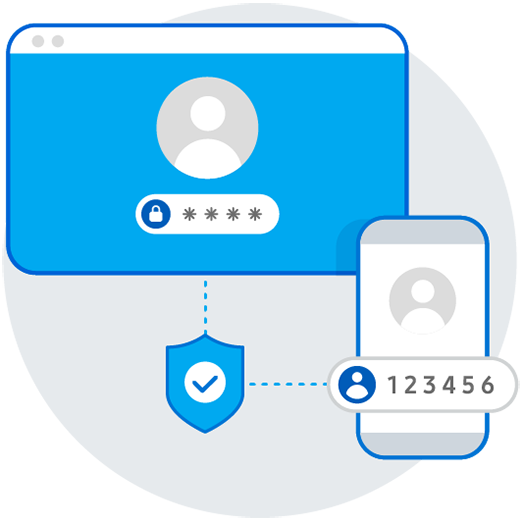
On your mobile device: Settings > Samsung account > Security settings > Two-step verification See all your signed-in devices Check which devices are signed in to your Samsung account, and sign out of any you no longer use. On the web: On your mobile device: Get help resetting your password If you can't reset your password, contact Customer Service for help keeping your account secure. On your mobile device: Your Samsung account team Note: Do not reply to this email. Contact us with any queries by visiting our website at: Go to Samsung account customer center  Copyright © 1995-2022 Samsung. All Rights Reserved. |